Load a board
Open a single image, a folder, a saved review session, a capture, or a pasted screenshot.
 ArtReview
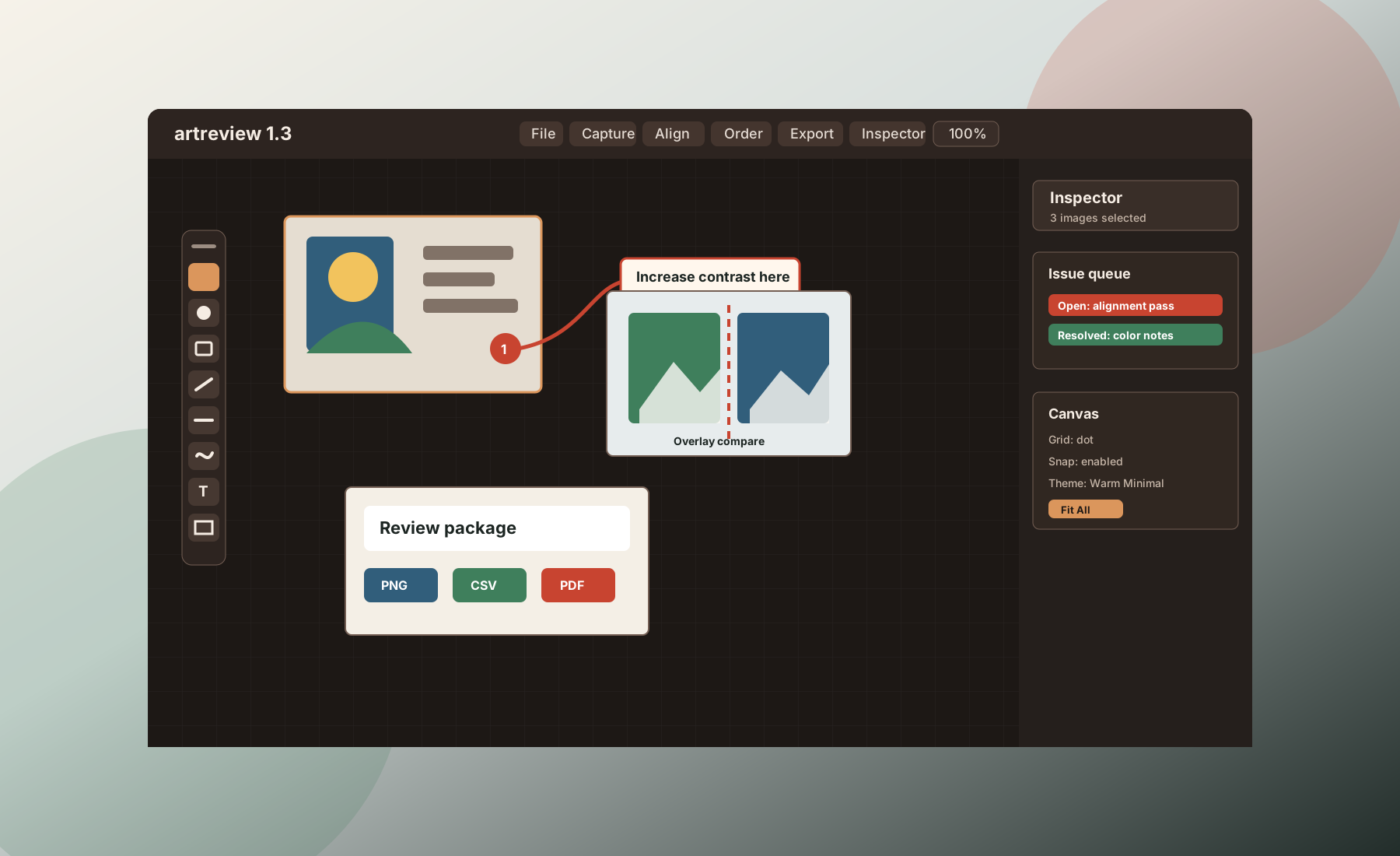
Windows desktop image review
Review screenshots, artwork, and mockups in a focused local workspace with pins, callouts, compare tools, issue tracking, and shareable exports.
The problem
Screenshots end up in chat, comments lose context, follow-up moves into spreadsheets, and comparison work becomes manual. ArtReview gives those review sessions a dedicated desktop workspace.
It sits between lightweight screenshot markup and heavy production platforms: structured enough to track feedback, direct enough to keep reviewing images fast.
Workflow
Open images, mark issues visually, compare versions, then export the result in formats that are easy to share and act on.
Open a single image, a folder, a saved review session, a capture, or a pasted screenshot.
Add pins, rich-text callouts, text, arrows, rectangles, lines, brush strokes, and footer compositions.
Filter issue states, navigate unresolved work, and focus review mode on images that still need attention.
Share annotated PNGs, PDF output, GIFs, review folders, summaries, and CSV comment data.
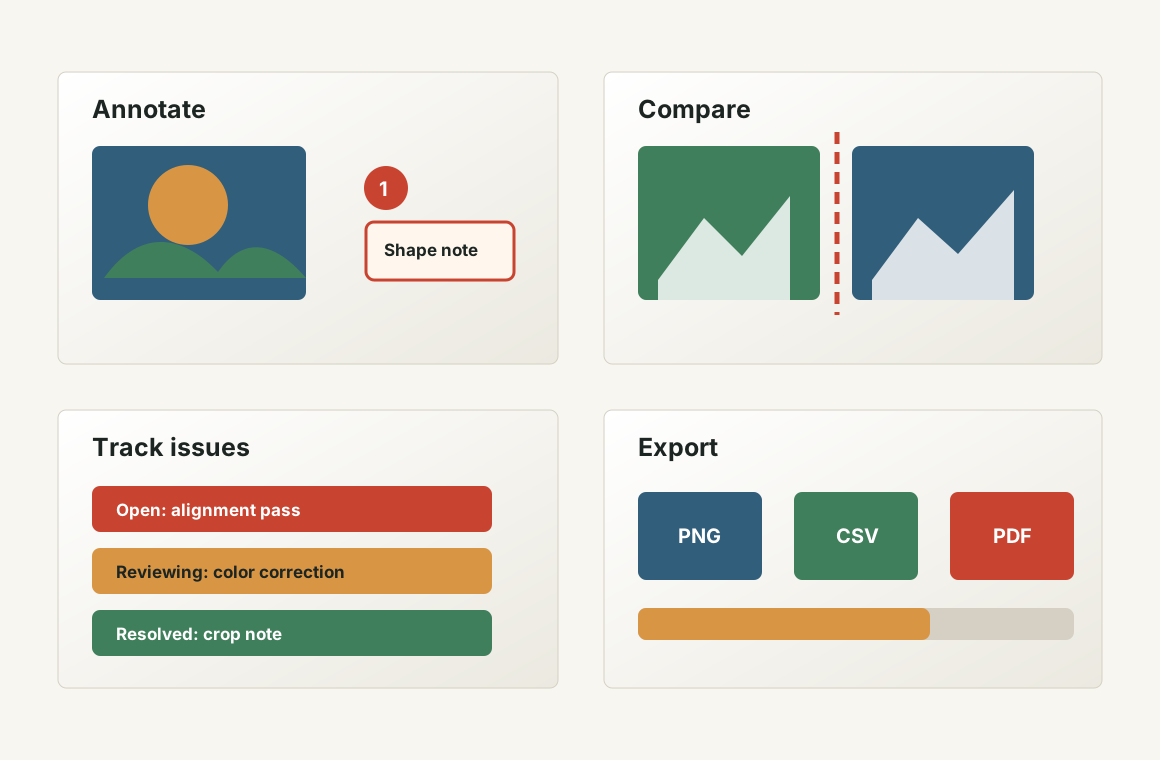
Feature set
ArtReview combines annotation tools with the pieces teams need around them: layout, issue navigation, version comparison, session persistence, capture, and exports.
Tools

Place focused notes directly on the image and keep review context attached to the work.

Add readable labels and callouts with formatting that carries into review output.

Point to exact areas with arrows, rectangles, lines, and brush-based markup.

Capture regions, windows, monitors, or repeat the last region without leaving the review flow.
Local-first control
Based on the current application behavior, ArtReview does not include built-in user accounts, cloud synchronization, analytics telemetry, or routine upload of review data to the developer.
Best fit
Review concepts, UI, icons, renders, screenshots, and outsourced art deliverables.
Compare interface changes and annotate captured screens or mockups with precision.
Track visual issues on screenshots and export structured follow-up packages.
Mark up image deliverables and send clients or collaborators clearer review output.
Windows app
This page points visitors to the ArtReview release area until a dedicated installer download URL is available.
FAQ
No. The current app is a Windows desktop tool designed around local files and local storage.
Current export paths include annotated PNGs, review reports, PDF output, session PDFs, GIF annotation output, and comparative GIFs.
The structure and copy are ready, but the download link, contact details, and any legal or pricing claims should be finalized before public launch.